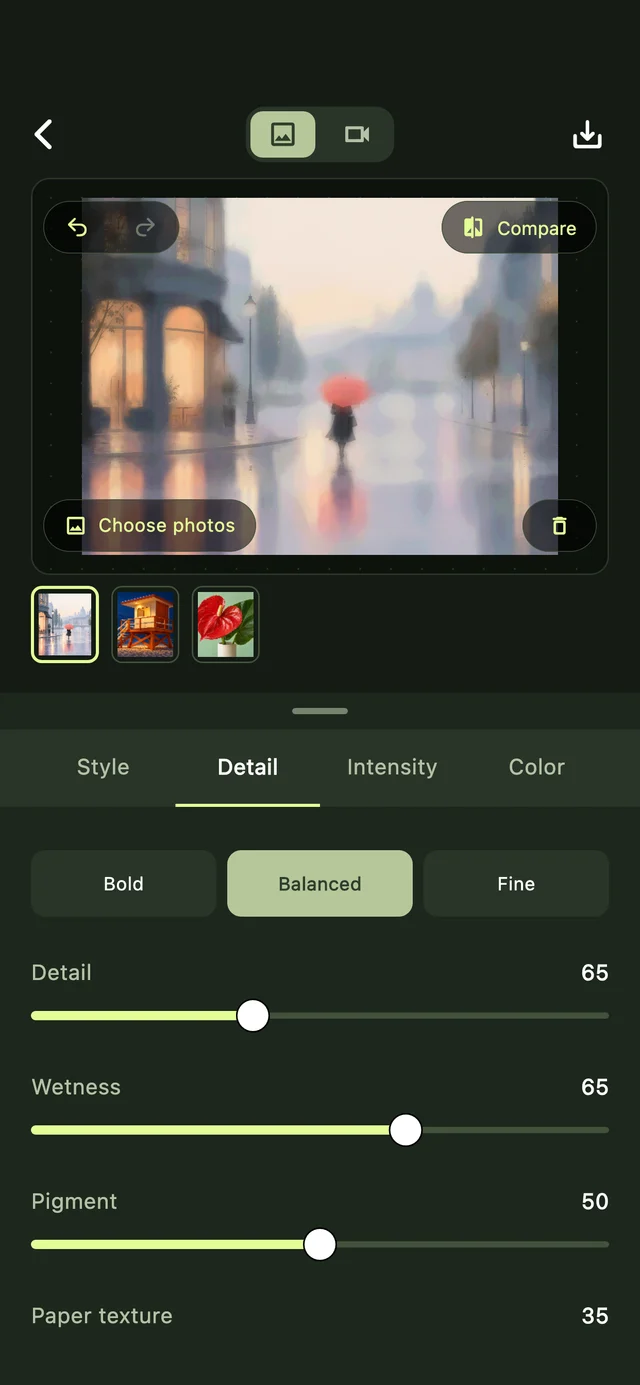
01Photo editor
Fine-tune the feeling.
Adjust detail, intensity and color. Compare as you go.
 artify
PHOTO TO PAINTING & PIXEL ART APP
Turn photos into paintings, pencil sketches and pixel art. A familiar moment, made beautifully unfamiliar—on your iPhone or iPad.
Download on theApp StoreiPhone · iPad / Free to download
Find your next perspective

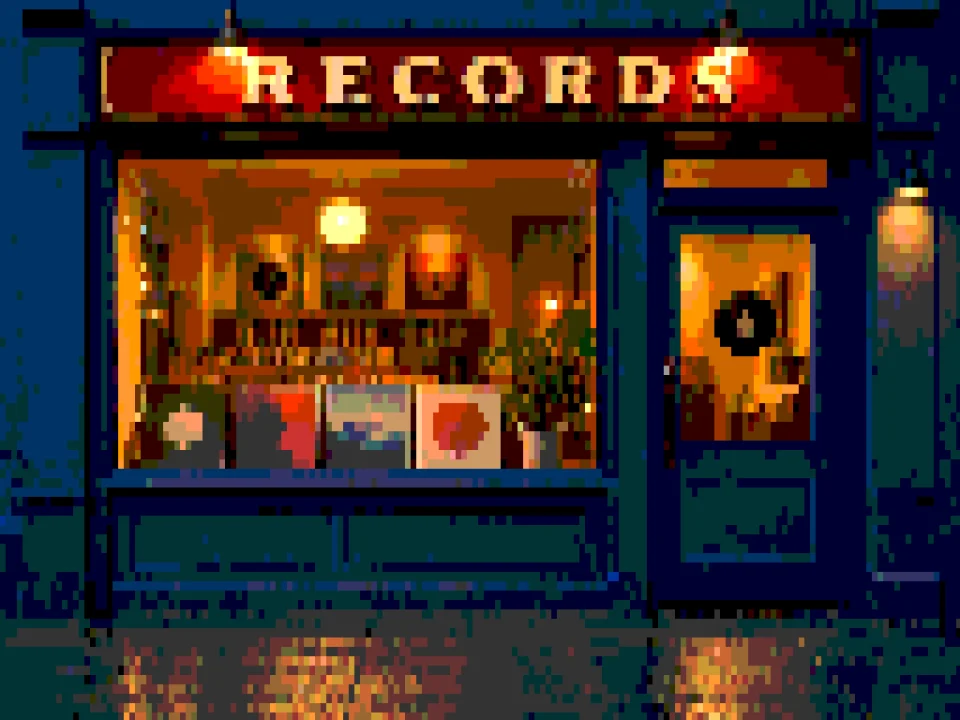
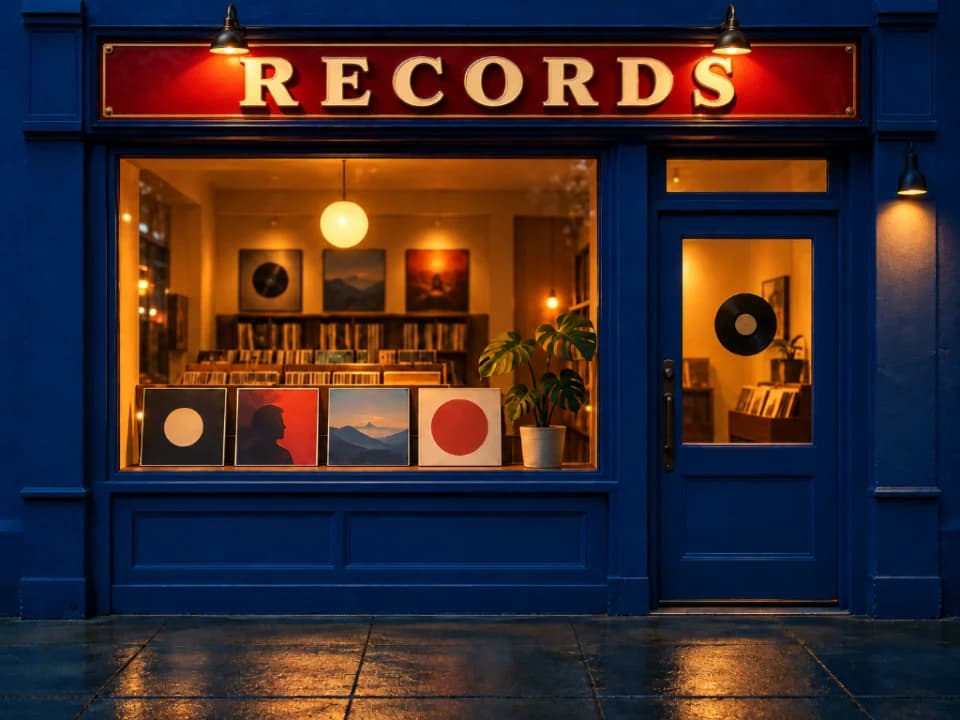
Move the line. See the difference. Rendered with real Artify filters.
01 / THE STYLE COLLECTION
Soft washes or sharp edges. Something quiet, or something unexpected. See what speaks to you.


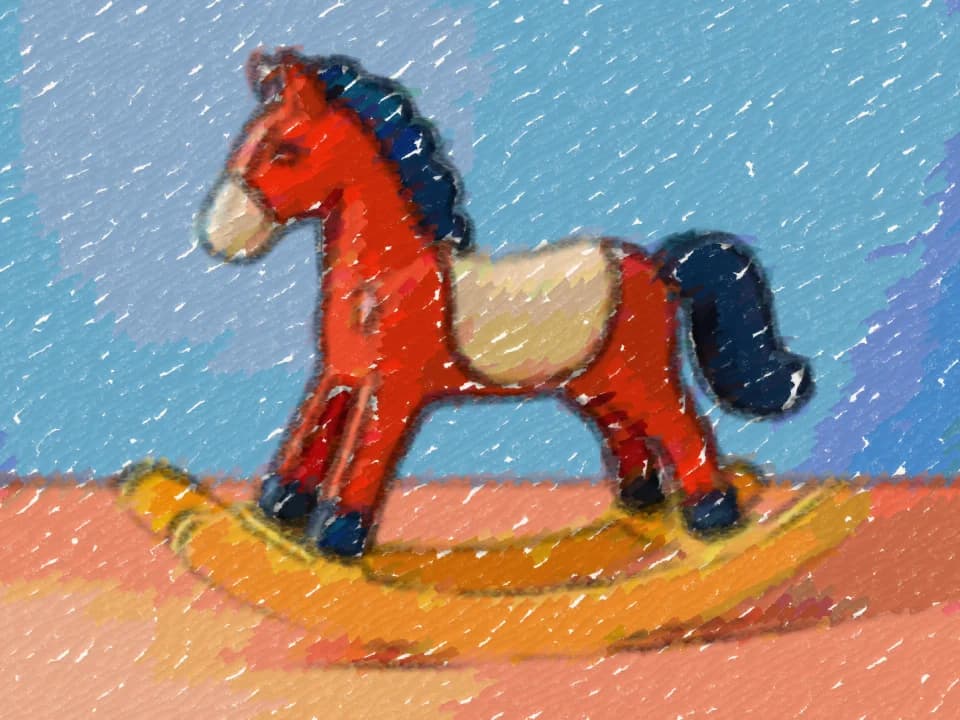
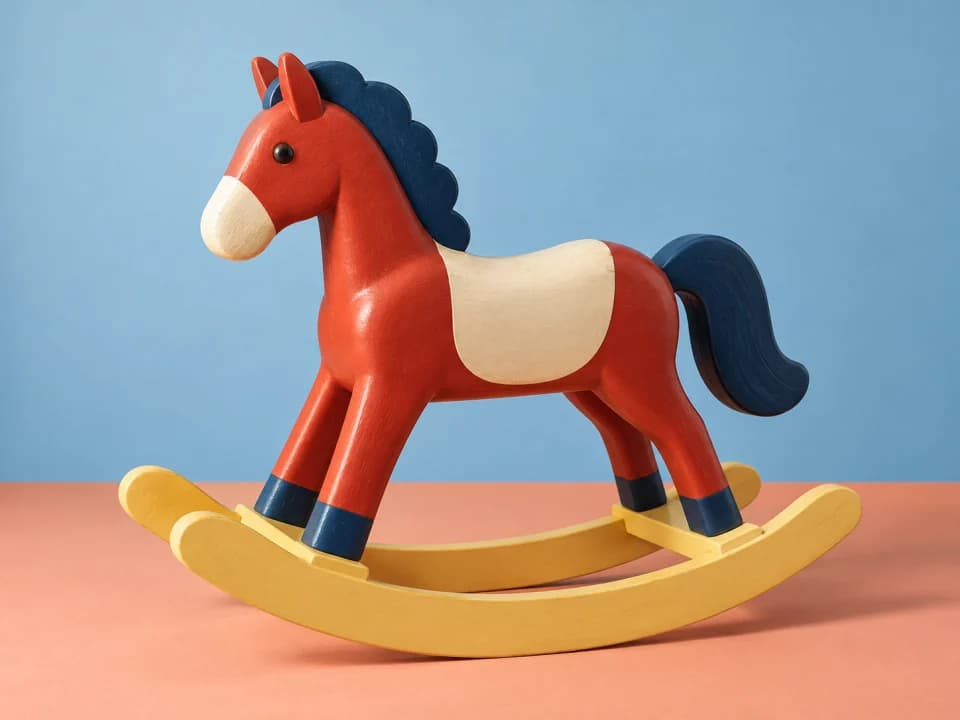
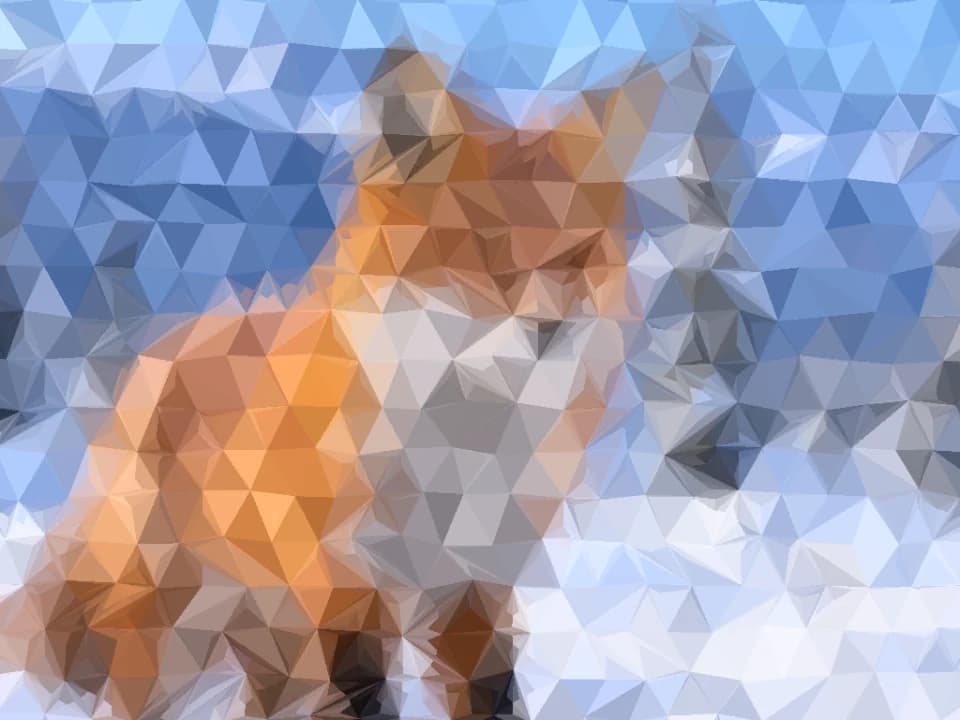

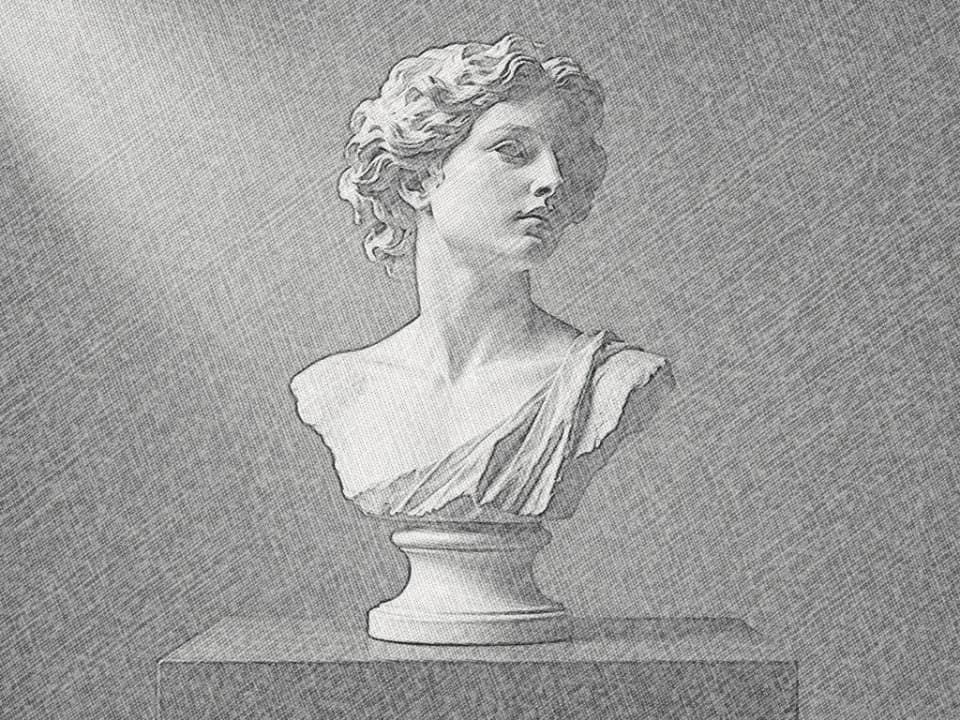
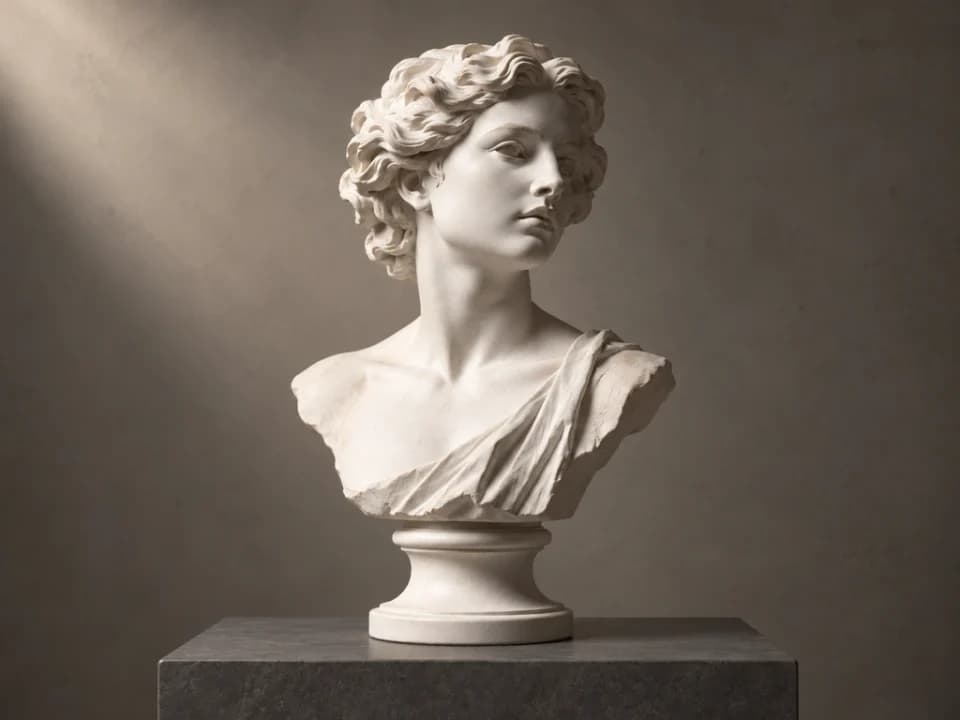


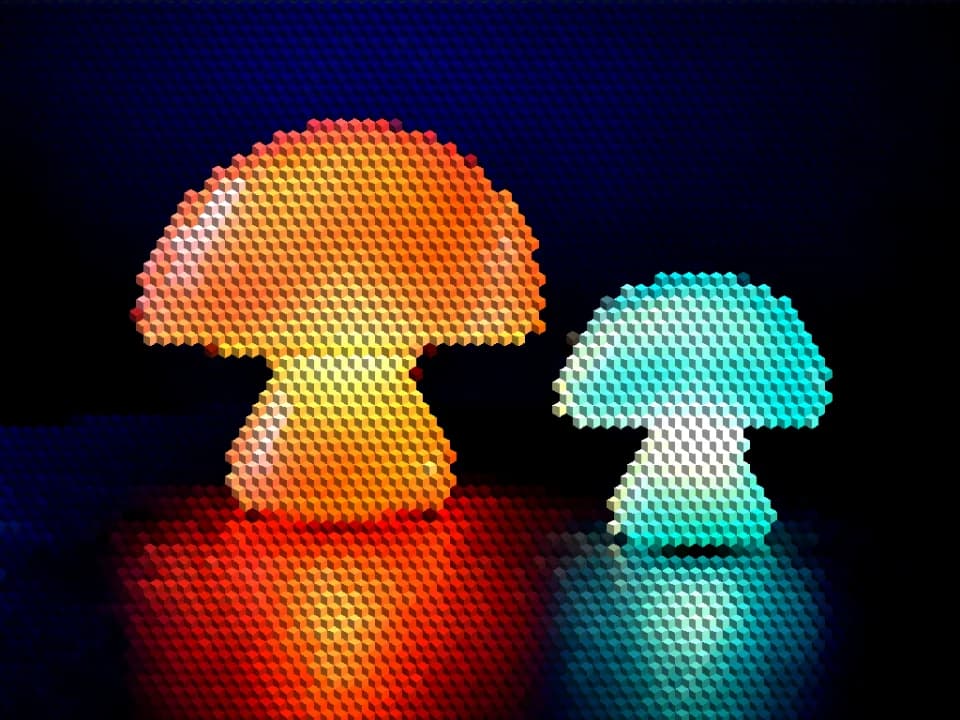
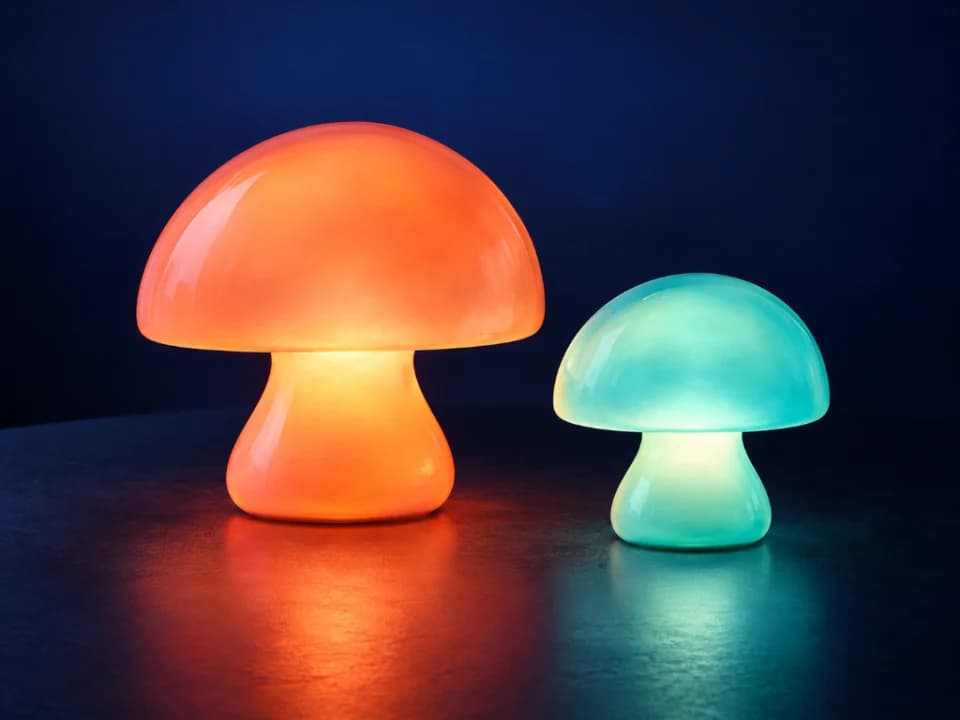
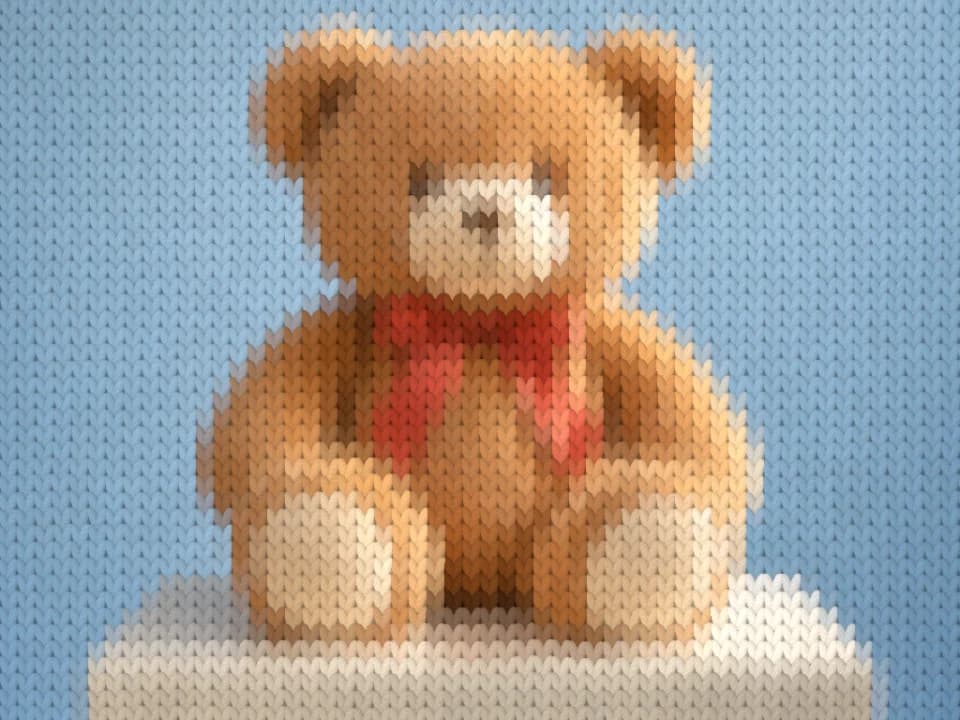




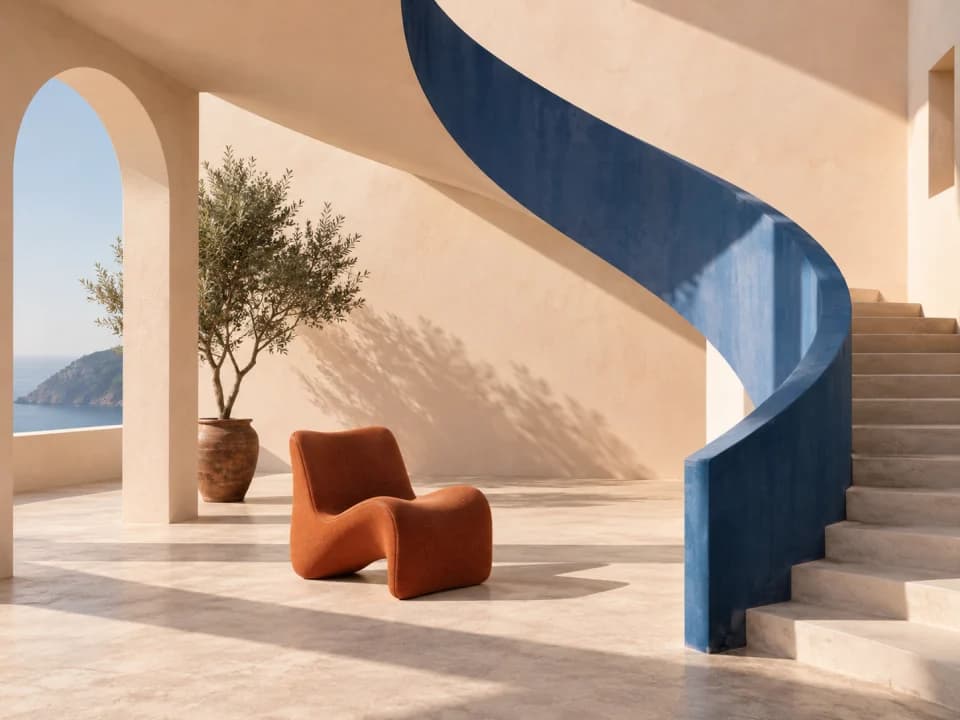
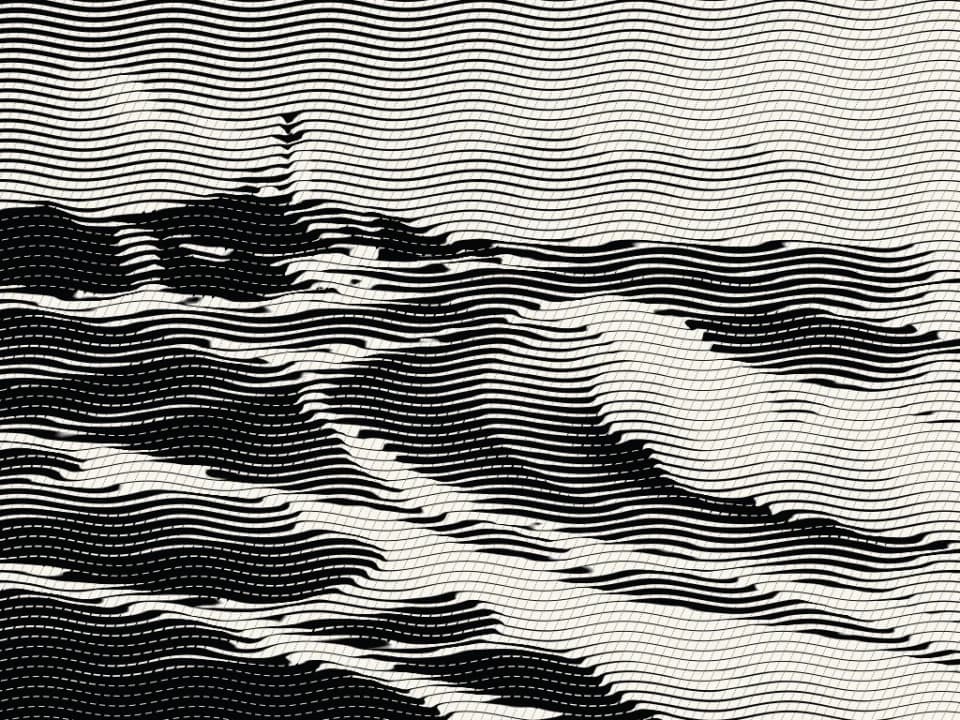
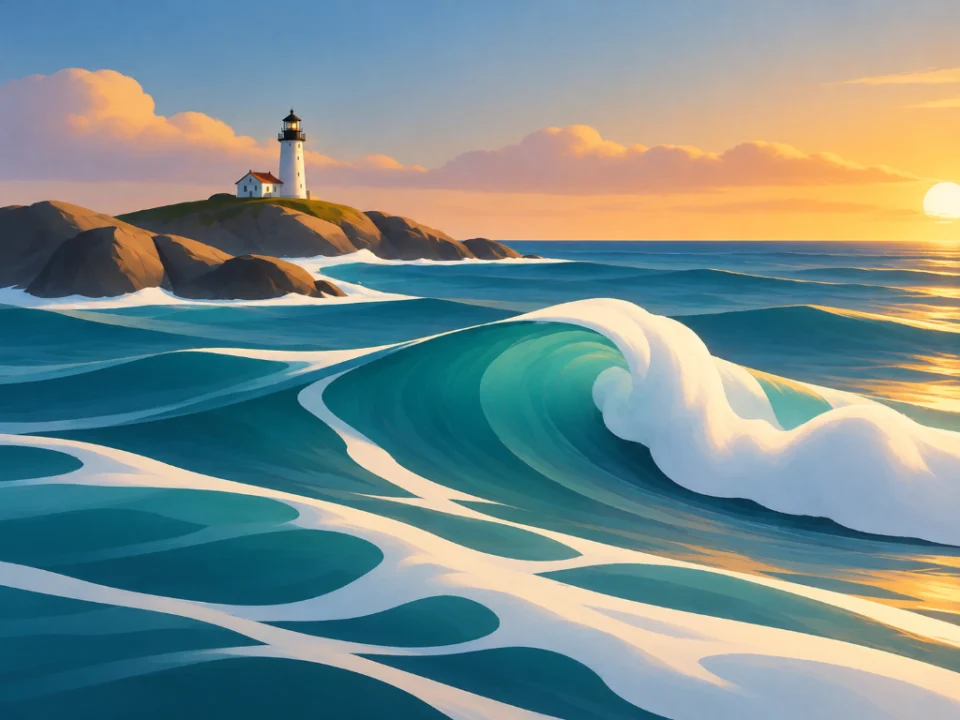
Every After is rendered with an actual Artify filter. Some styles require Pro.
02 / YOUR POCKET-SIZED STUDIO
01Photo editor
Adjust detail, intensity and color. Compare as you go.
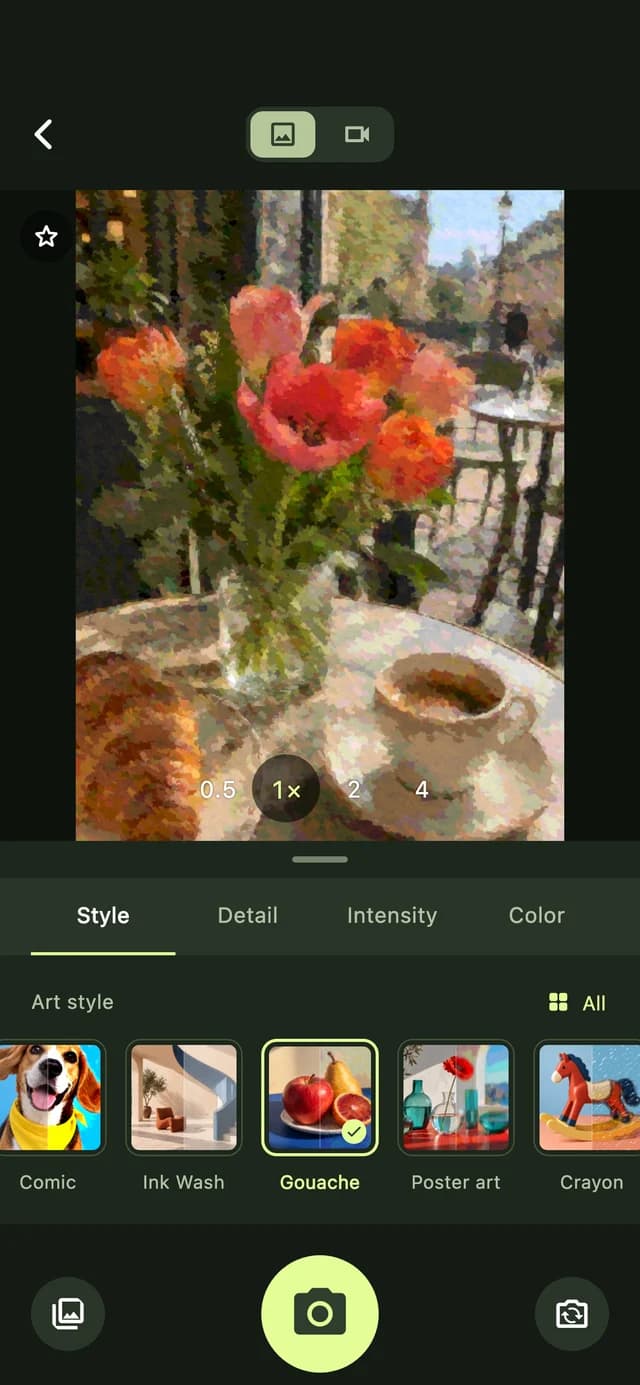
02Live camera
Try a style through your camera, then capture the moment.
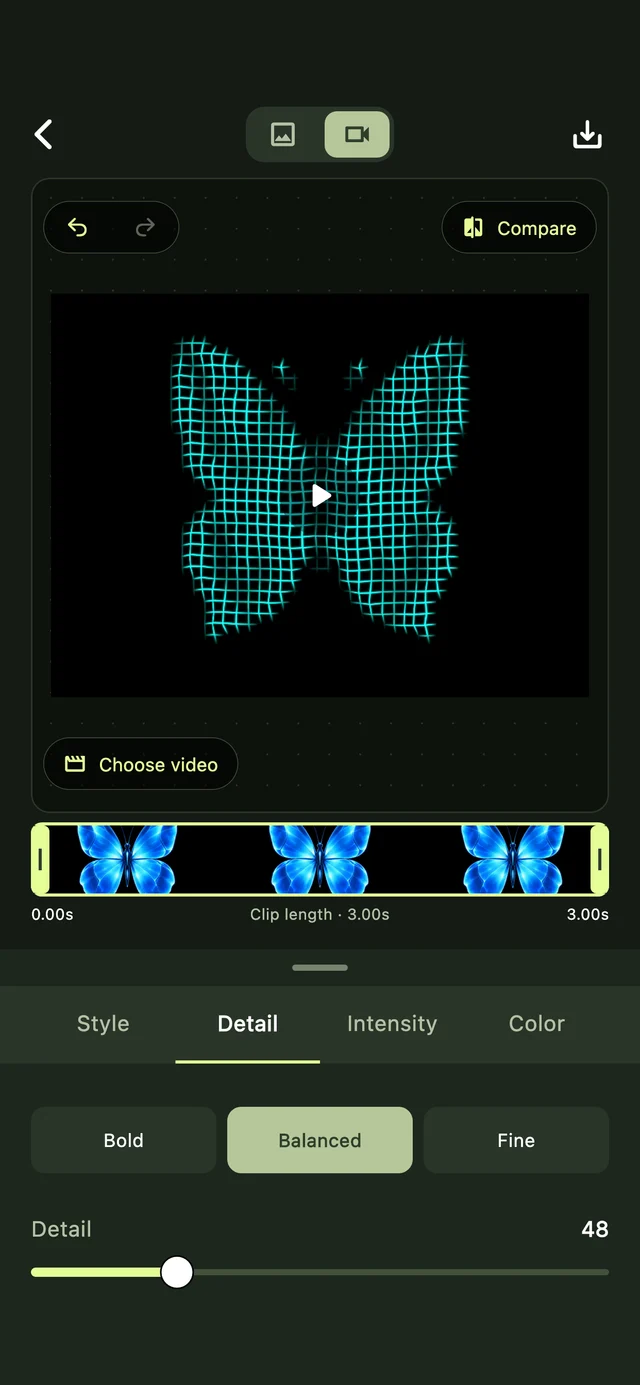
03Video art · Pro
Bring your favorite textures to video, then save your edit.
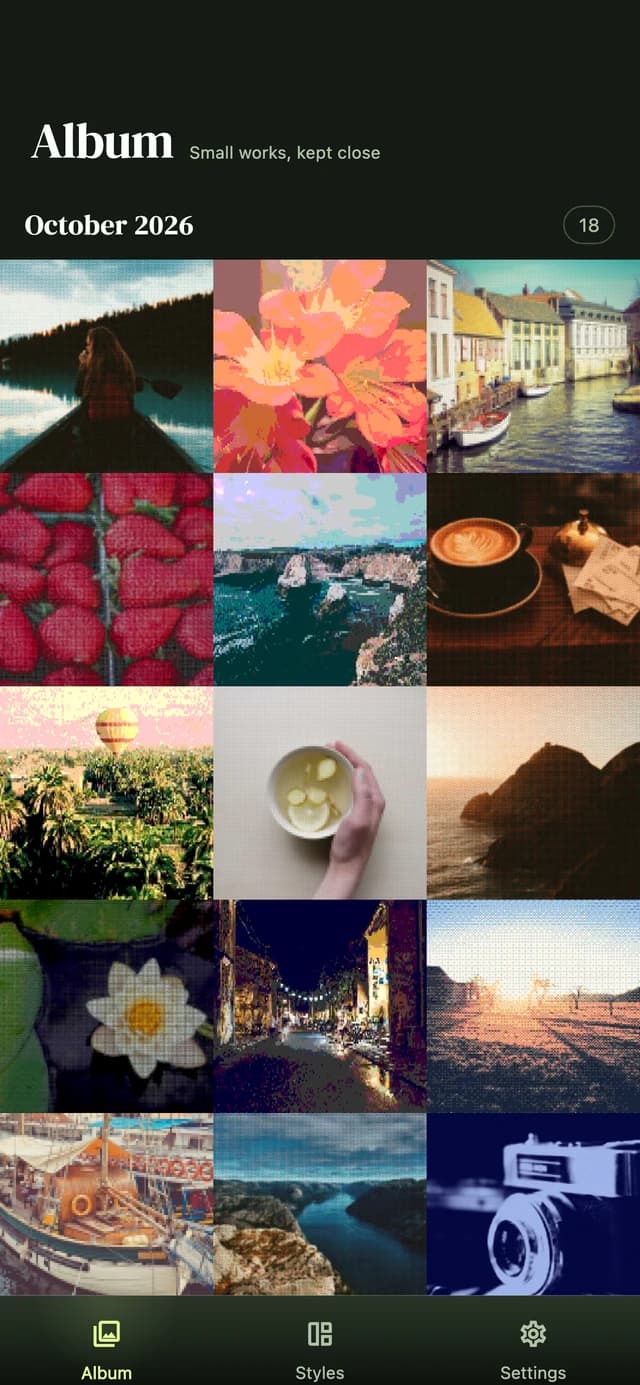
04Your collection
Find your photos and videos together in your own art collection.
03 / ARTIFY PRO
Start free. Go Pro when you want more. Explore available plans and pricing in the app.
Download on theApp Store04 / A FEW DETAILS
Artify is a photo and video art editor. Explore over 50 styles, from pixel art and bricks to oil paint, watercolor, pencil and knitting. Adjust detail, intensity and color to make each result your own.
Edit photos with free styles and save them individually. Selecting and editing multiple photos, and saving favorite styles, are free too. Artify Pro unlocks premium styles, video art, saving all photos together and high-resolution export.
Choose a photo, then select Watercolor or Oil paint. Adjust detail, intensity and color, compare the result with your original and save your image. Premium styles require Artify Pro.
Yes. Select the Pencil style to turn the shapes and shading in your photo into a sketch-like image. Portraits, pets and architecture with clear outlines are useful starting points. Adjust detail and intensity to find the look you want.
Yes. Choose Pixel art and adjust detail to change the pixel size. You can also explore Brick and Voxel styles. Artify transforms existing photos; it is not a pixel-by-pixel drawing or sprite editor.
Style processing happens on your device. Artify does not upload your photos or videos to a server to transform them, and you do not need an account to edit.
Yes. Select multiple photos, apply a style and adjust individual images. Saving the current photo is free; Artify Pro lets you save up to 50 photos together.
Artify Pro lets you edit videos and record with the live art camera. The Animated ASCII style can also be exported as an animated GIF.
Download Artify for iPhone and iPad on the App Store. The Android version is currently in closed testing.
SOMETHING WORTH SEEING, AGAIN.