A LITTLE, EVERY DAY
Count it.
Make it a habit.Counto - Habit & Tally Counter
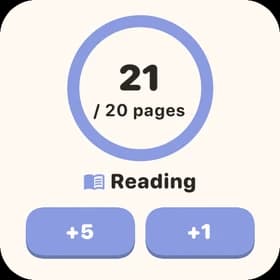
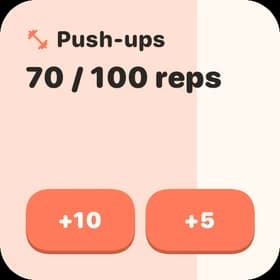
100 reps. 20 pages. 8 glasses of water. Set a goal, tap to count, and watch your daily effort add up to lasting habits.
Free to start · No account · No ads
Big picture.
made for your everyday
PROGRESS GOES BOTH WAYS
More of this.
Less of that.
Some habits are worth building.
Others, you want to cut back on.
A little reading, every day.
Count up toward your target.
A daily limit for coffee.
See how much you have left.
MORE THAN A CHECKMARK
Don’t just check it off.
See what you put in.
From a daily count to a habit calendar and progress stats.
See the details, or take in the bigger picture.
Home, screenshot 1 / 2Swipe to explore
A peek inside Counto · Sample goals
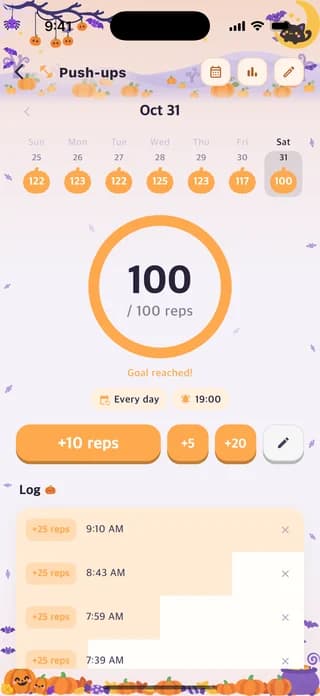
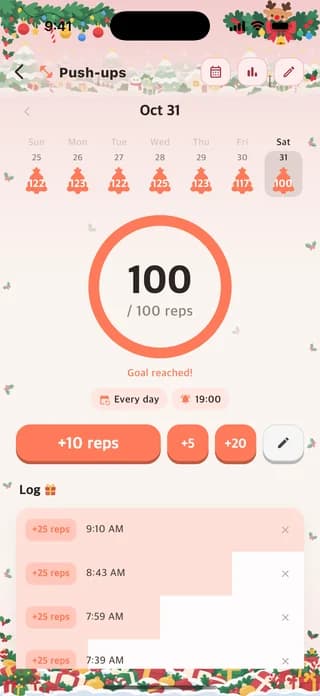
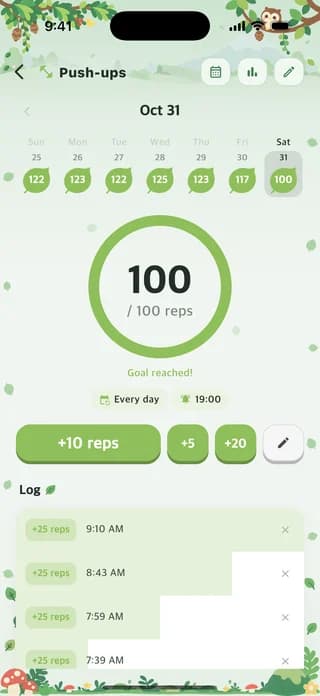
DAILY COUNTER & ACTIVITY LOG
The little details, all accounted for.
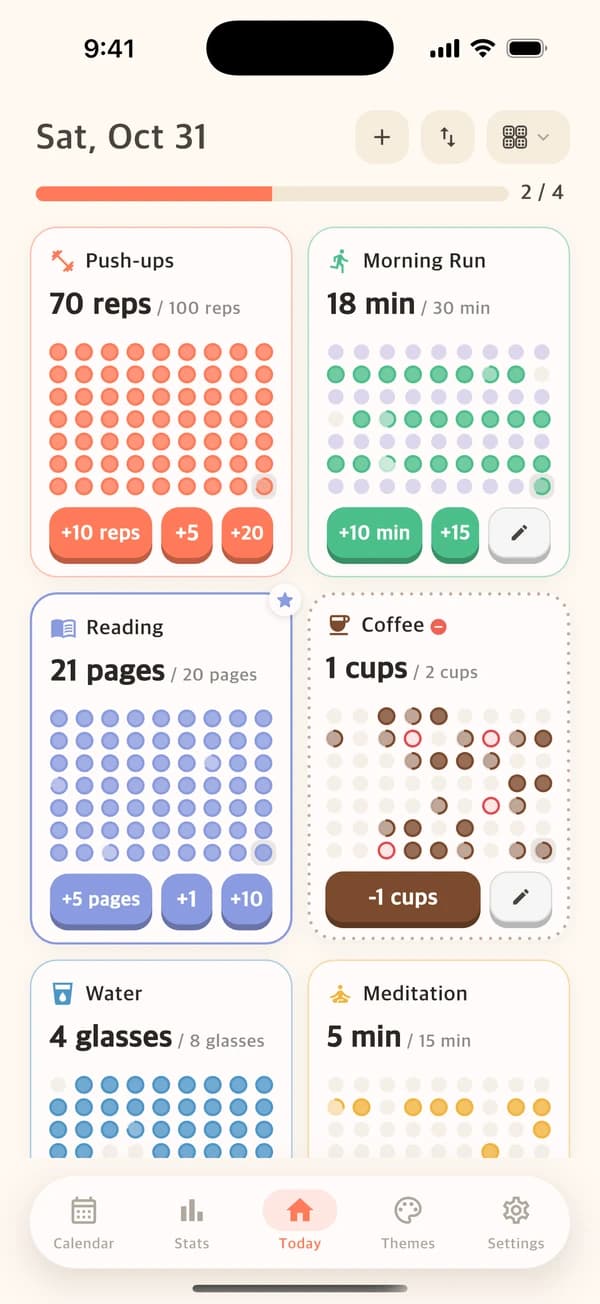
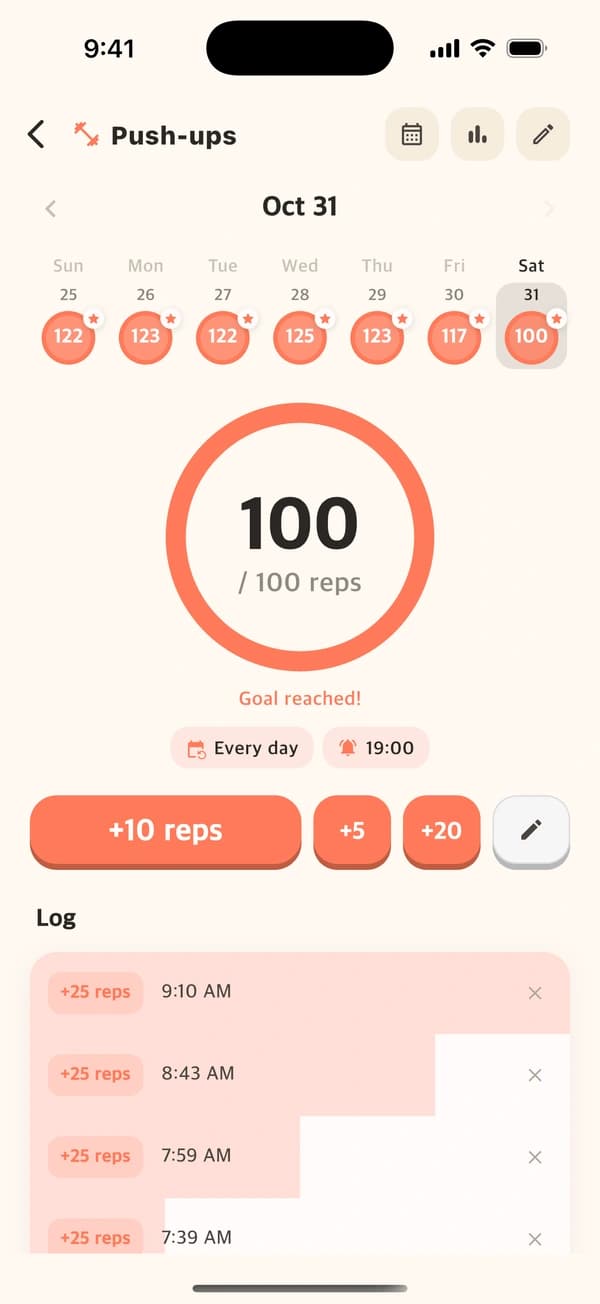
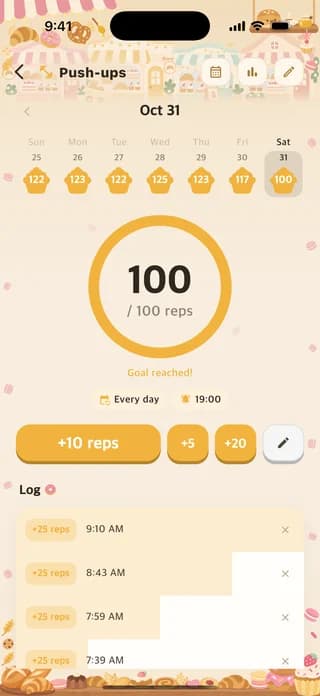
Five pages before bed. One less coffee today. Build a habit or set a daily limit for one you want to cut back on. A bar up top shows how many goals you have met today, and every tap has a place in your history.
- Build a habit or quit a habit
- Custom units and quick buttons
- Today’s progress at a glance
- A timestamped history of every count
All goals, screenshot 1 / 2Swipe to explore
A peek inside Counto · Sample goals
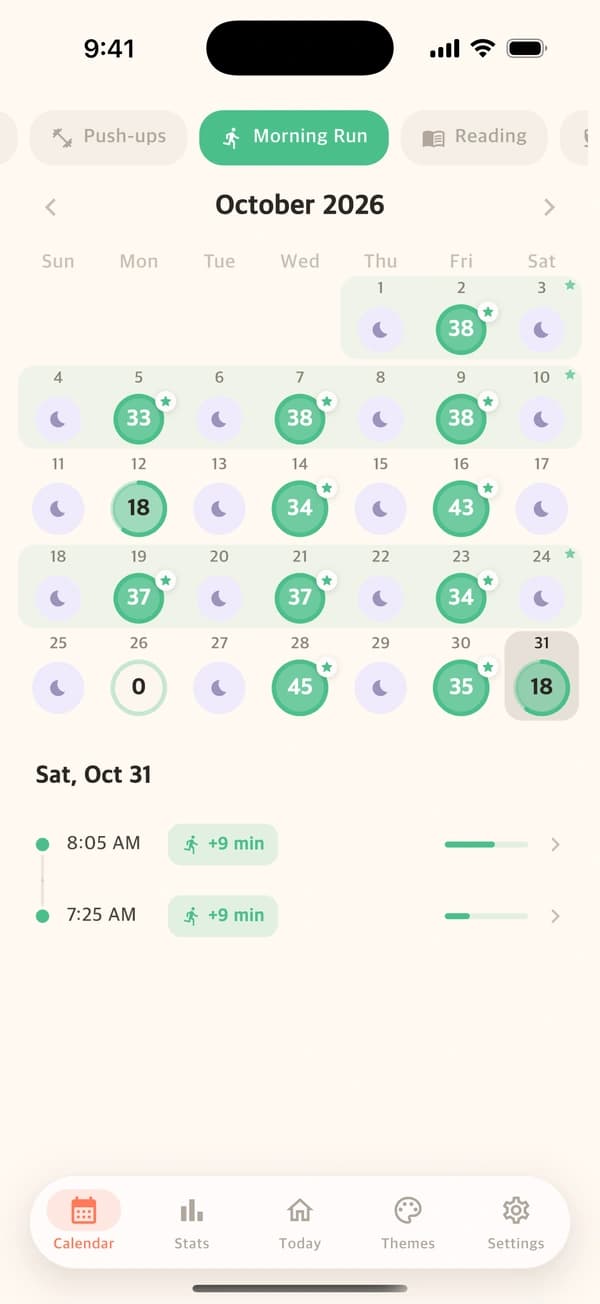
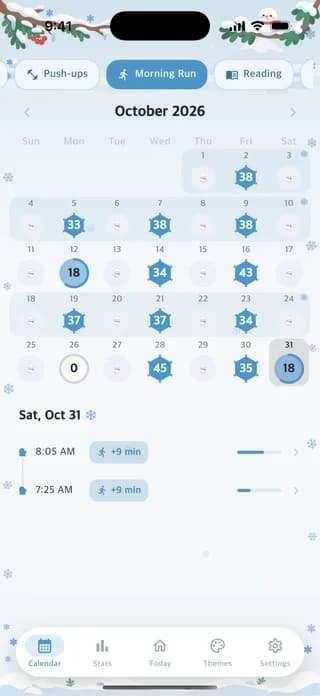
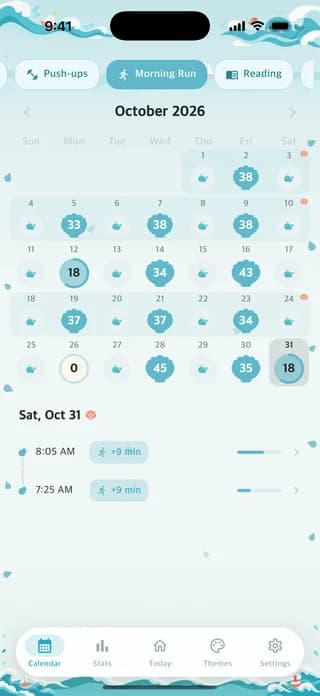
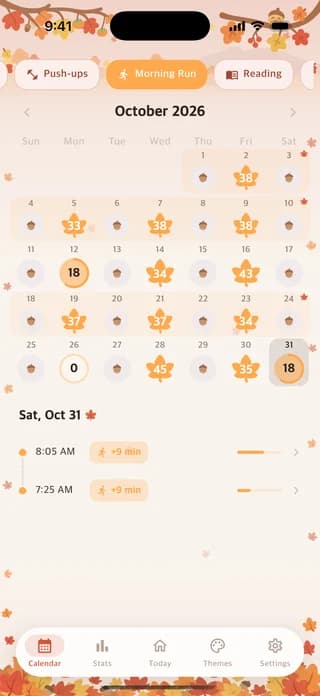
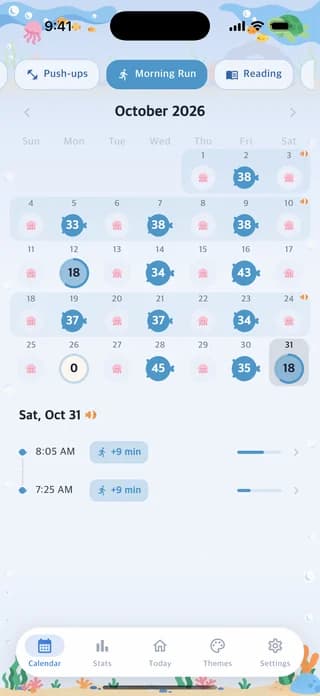
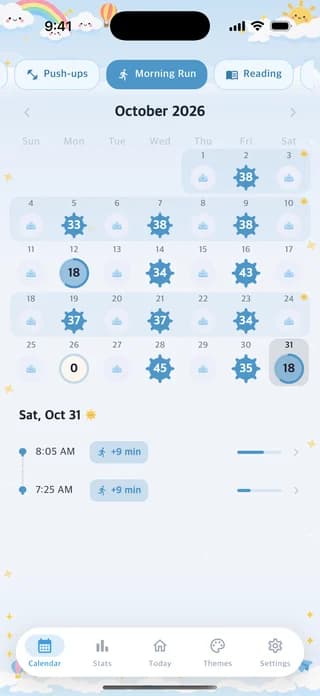
YOUR HABIT CALENDAR
Good days. Rest days. They all belong.
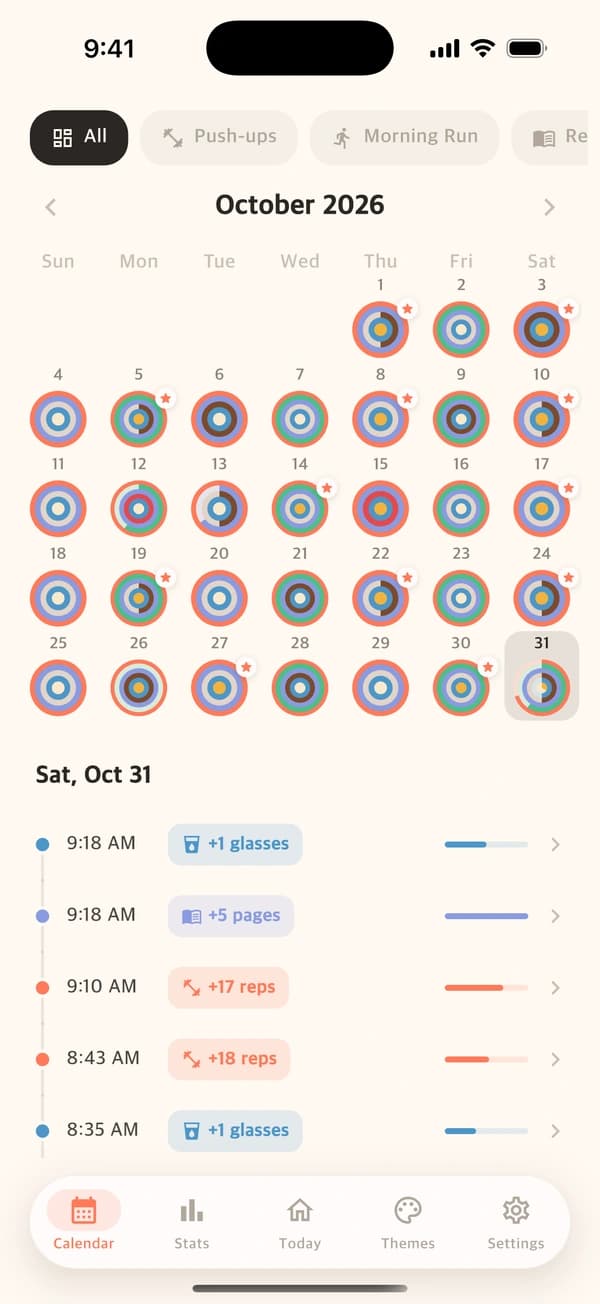
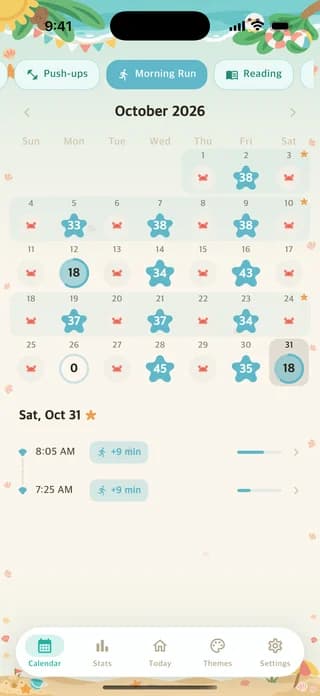
See every goal’s month in one calendar, then tap any day to see everything you logged on a timeline. The weeks you reached your target and the rest days in between all have their place.
- Every goal, one month
- Tap a day for its timeline
- Weekly targets and rest days
Overview, screenshot 1 / 2Swipe to explore
A peek inside Counto · Sample goals
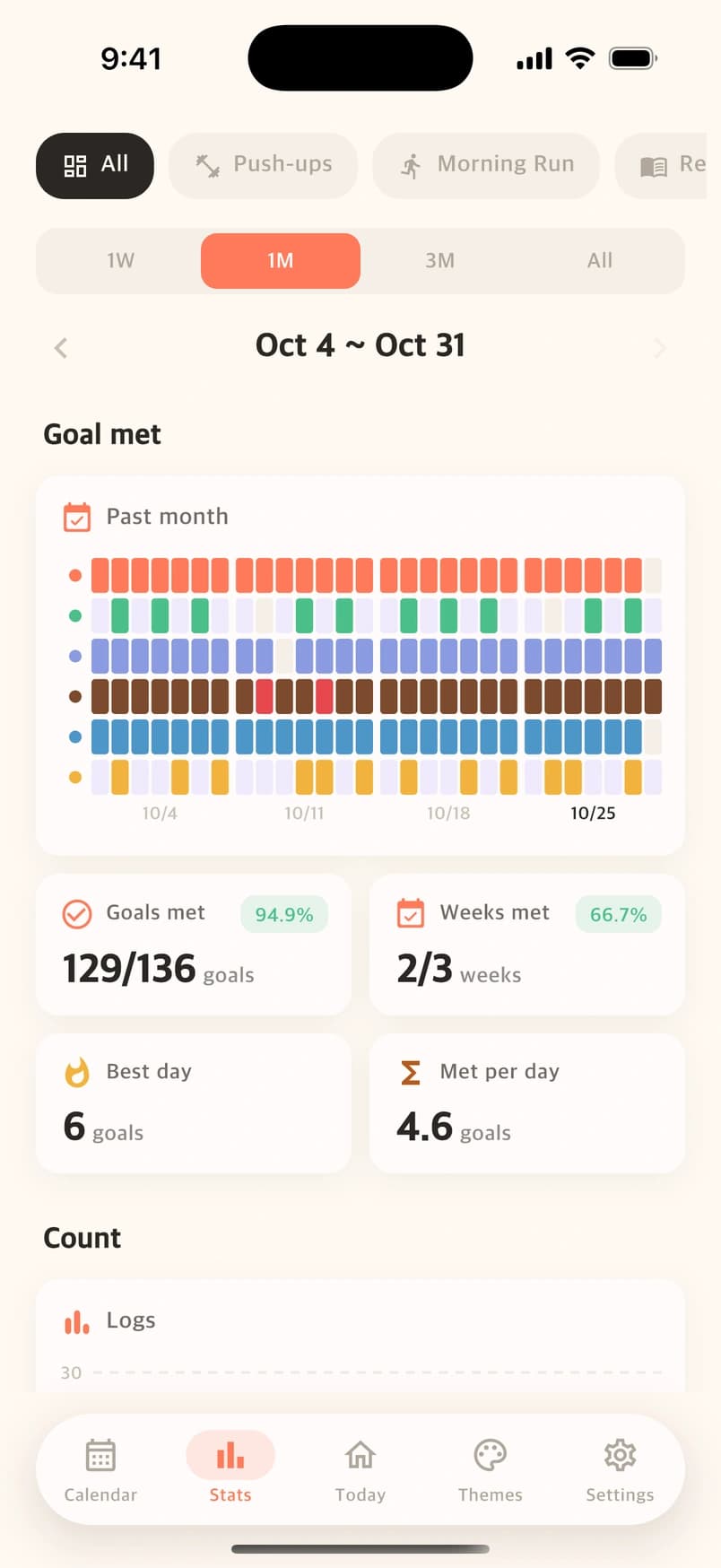
HABIT TRACKING STATS, ALL TOGETHER
Different goals. One colorful overview.
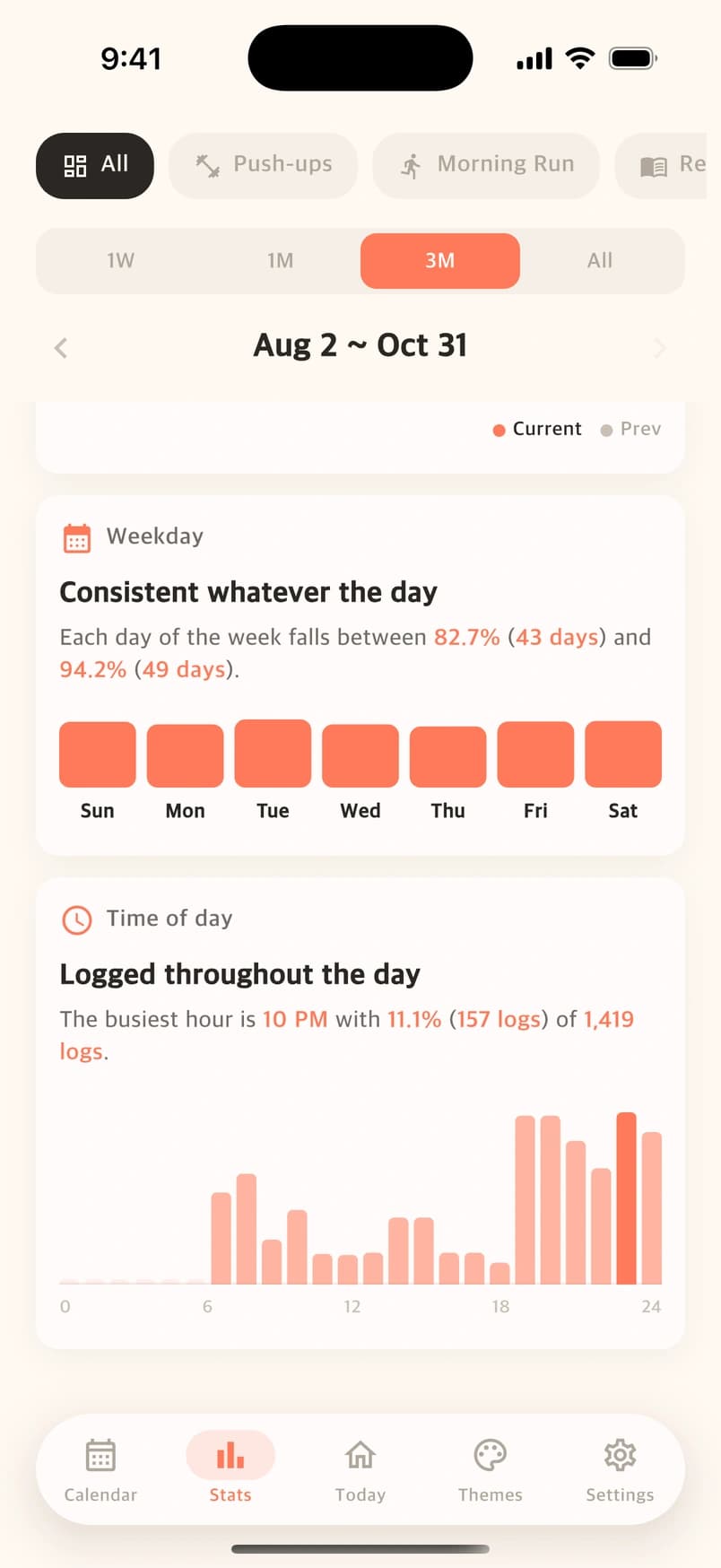
Start with the big picture: goals met, weeks completed, and the days you showed up. Then look closer at your weekday patterns and when you tend to log.
- Goal-by-day achievement heatmap
- Goals met and logging activity
- Weekday and time-of-day insights
Goal met, screenshot 1 / 3Swipe to explore
A peek inside Counto · Sample goals
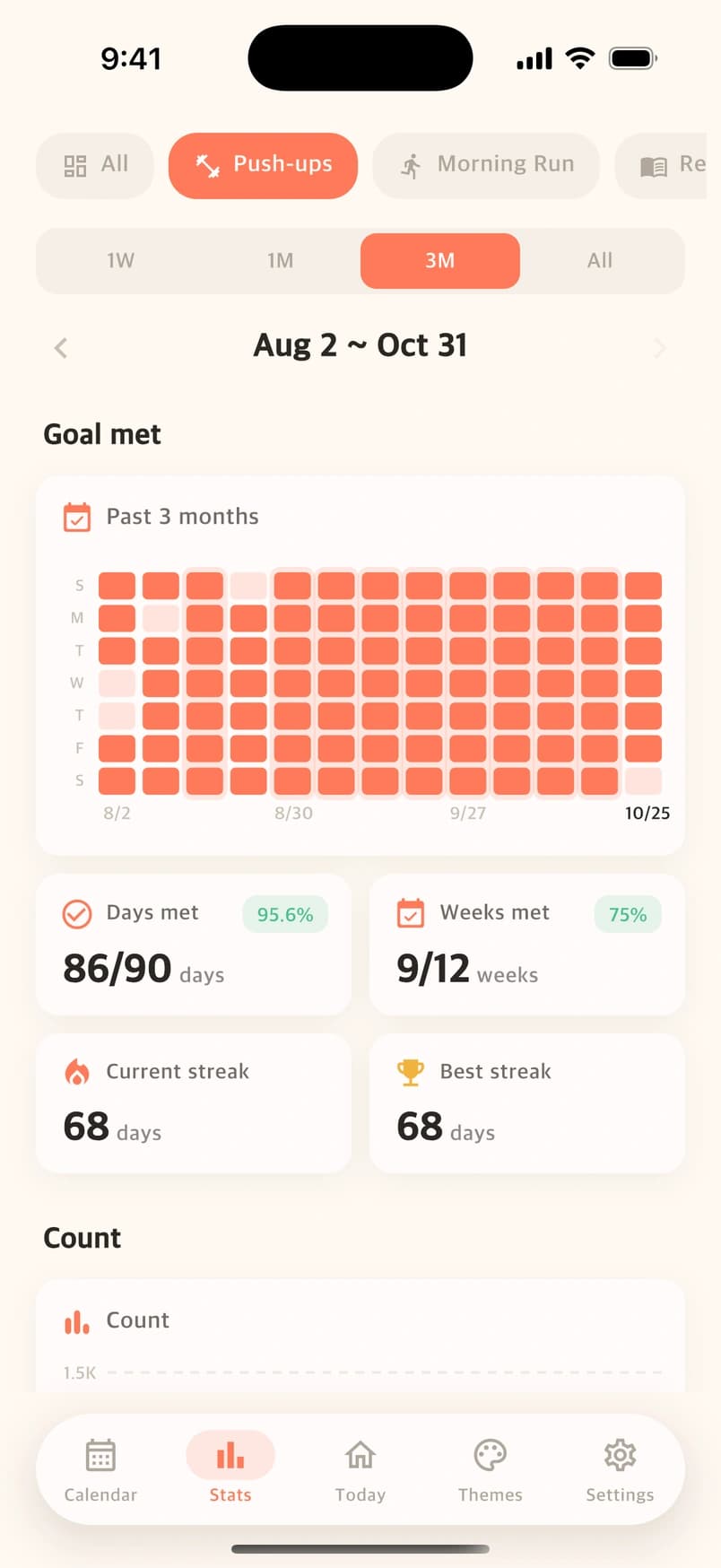
INDIVIDUAL GOAL STATISTICS
One goal. So much to look back on.
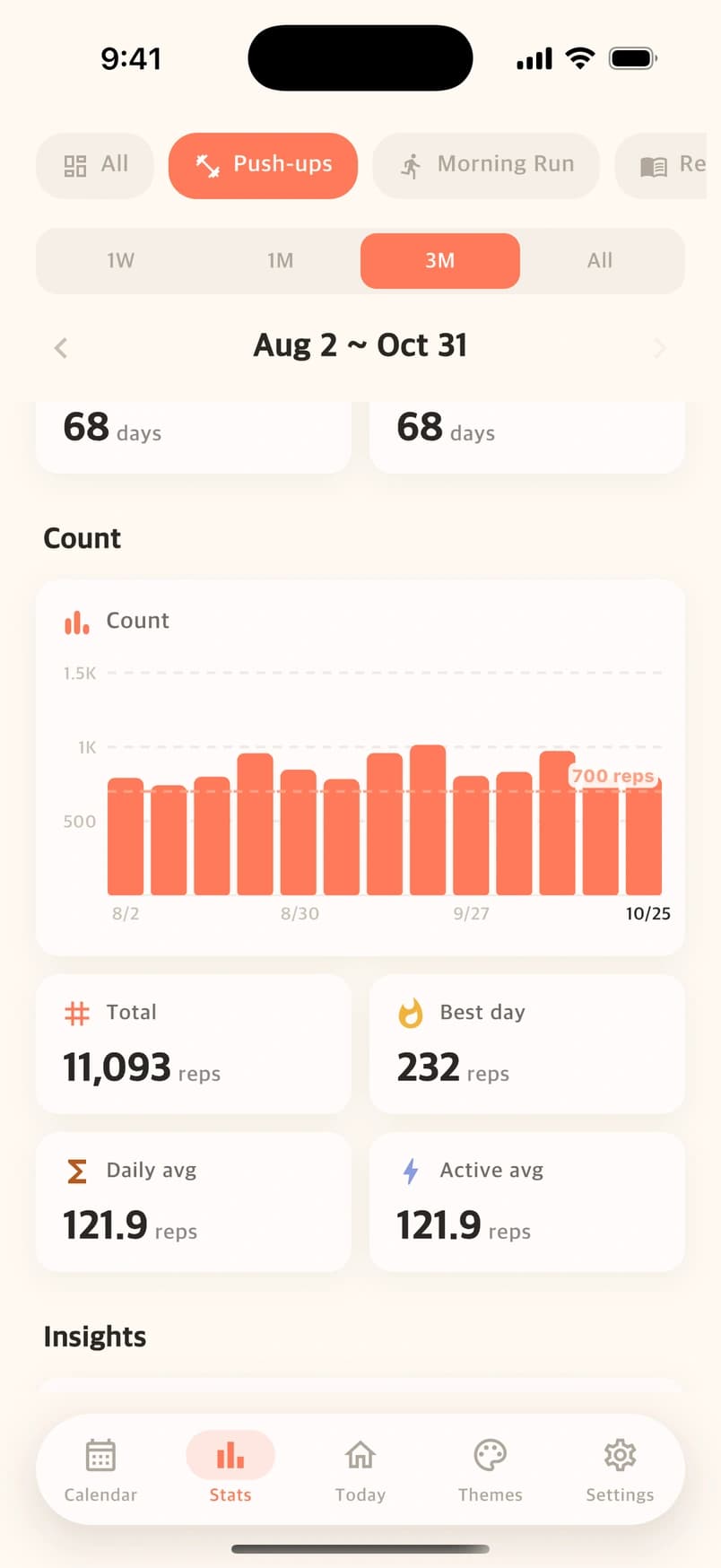
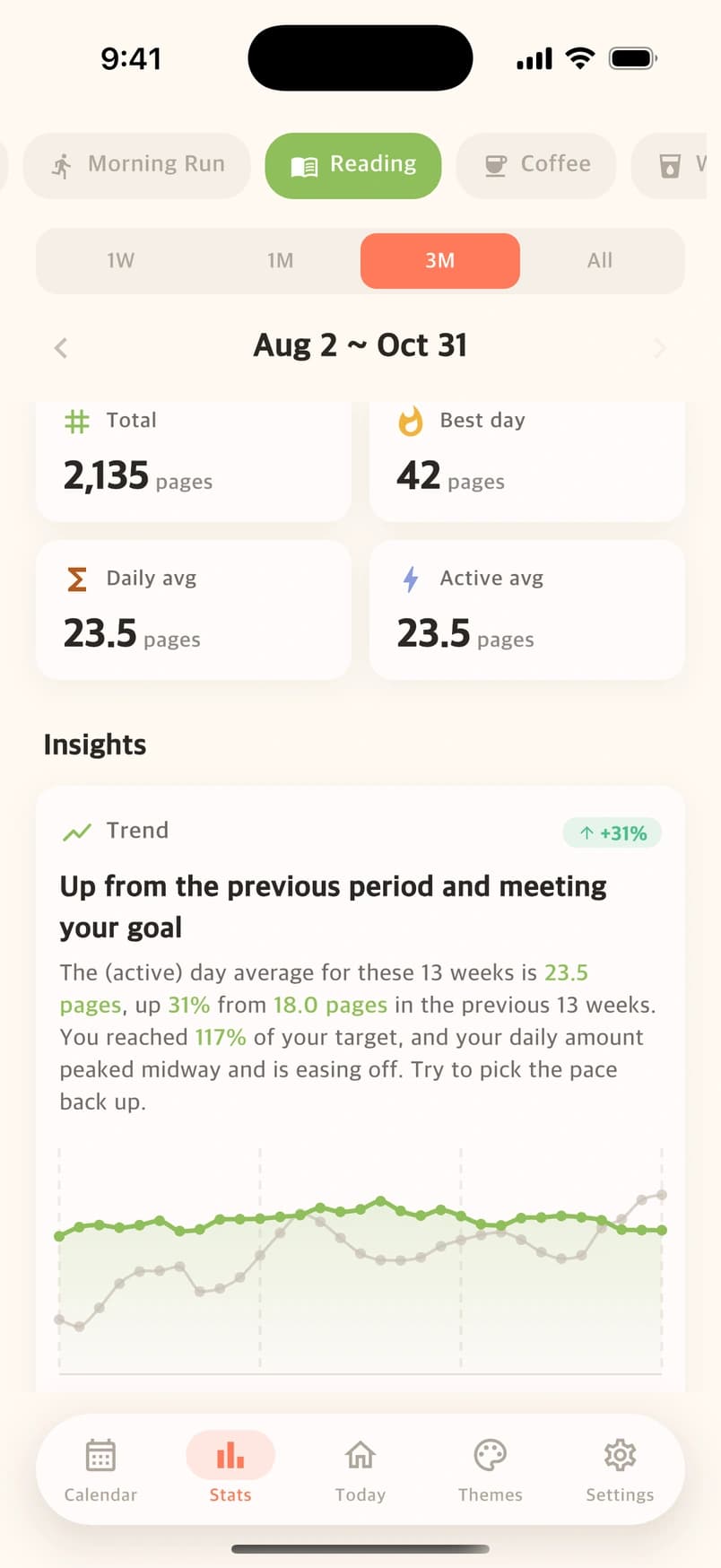
Follow one goal from days met to counts and streaks. Compare your trend with the previous period and your target. Start with a week; Pro opens a month, three months, and all time.
- Days met, current and best streaks
- Counts, totals, averages, and daily records
- Longer-period stats with Counto Pro
A HOME THAT FEELS LIKE YOU
Same goals.
Seven fresh perspectives.
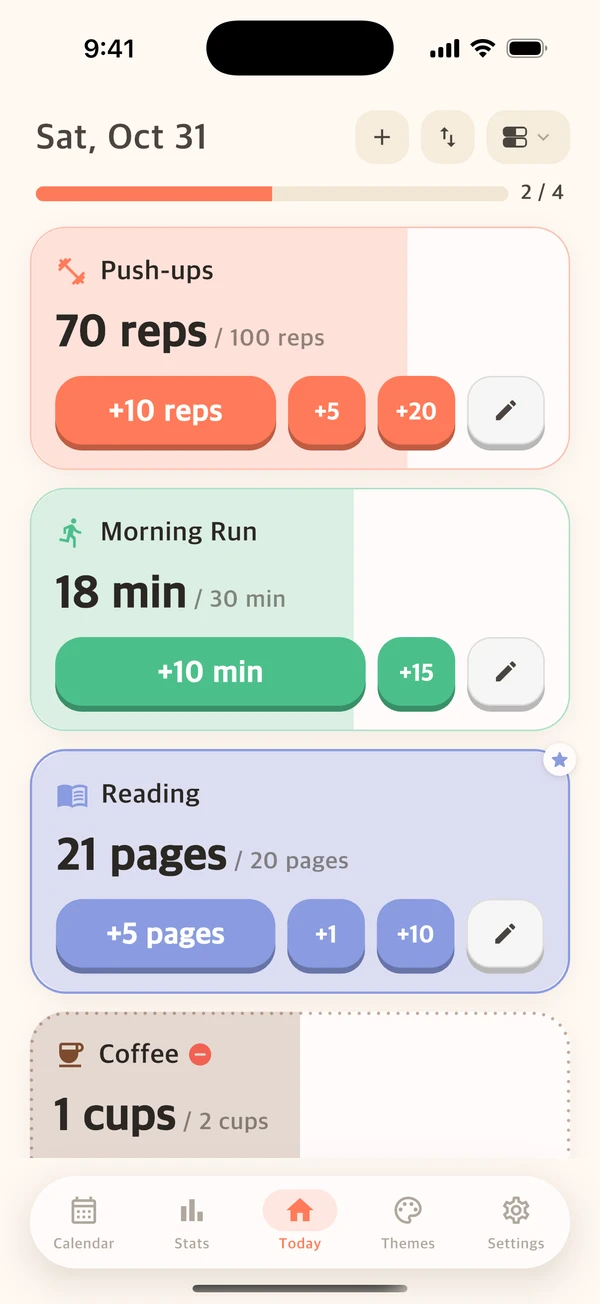
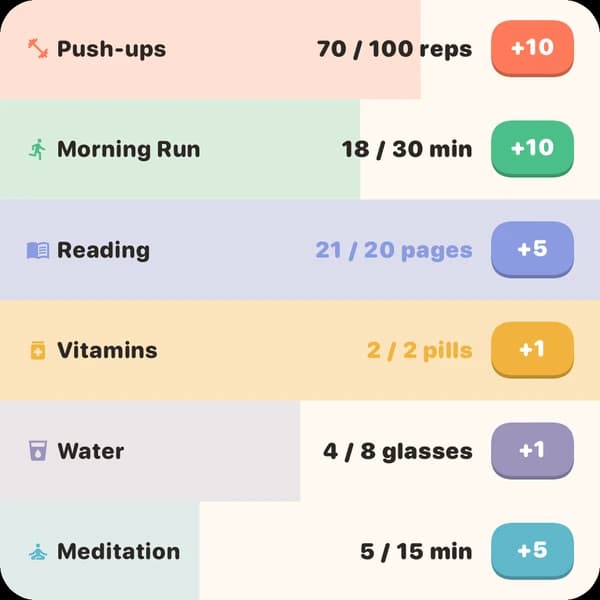
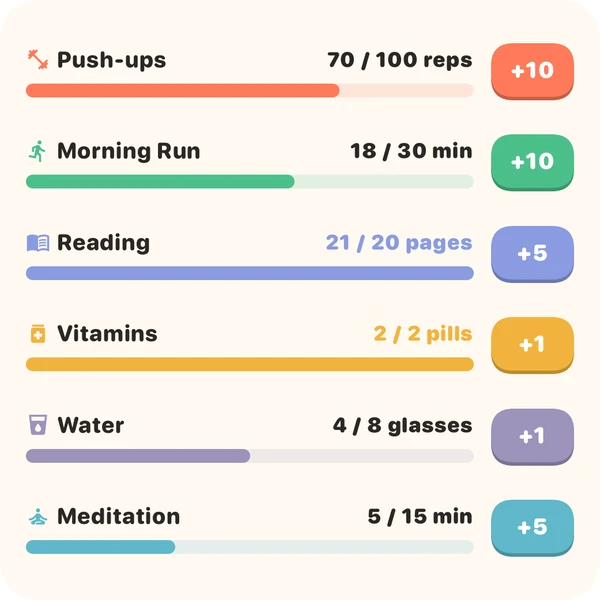
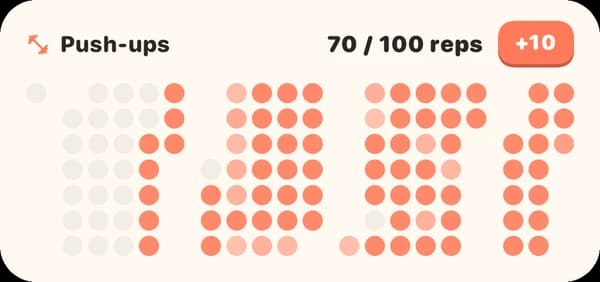
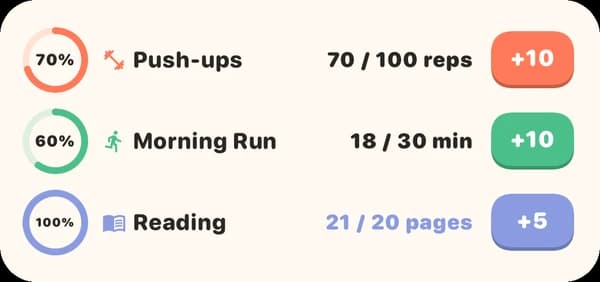
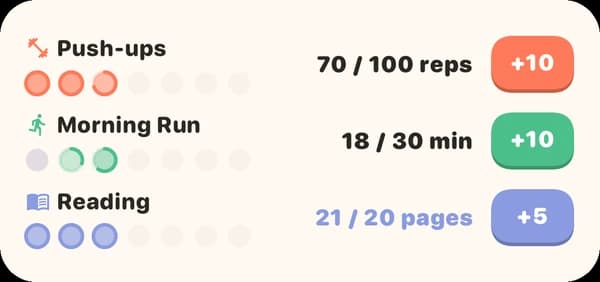
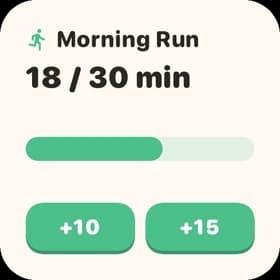
Watch your cards fill with color as your counts grow. Follow a bar, close a ring, see each goal’s week, or take in your days as a heatmap. Seven ways to make progress your own.
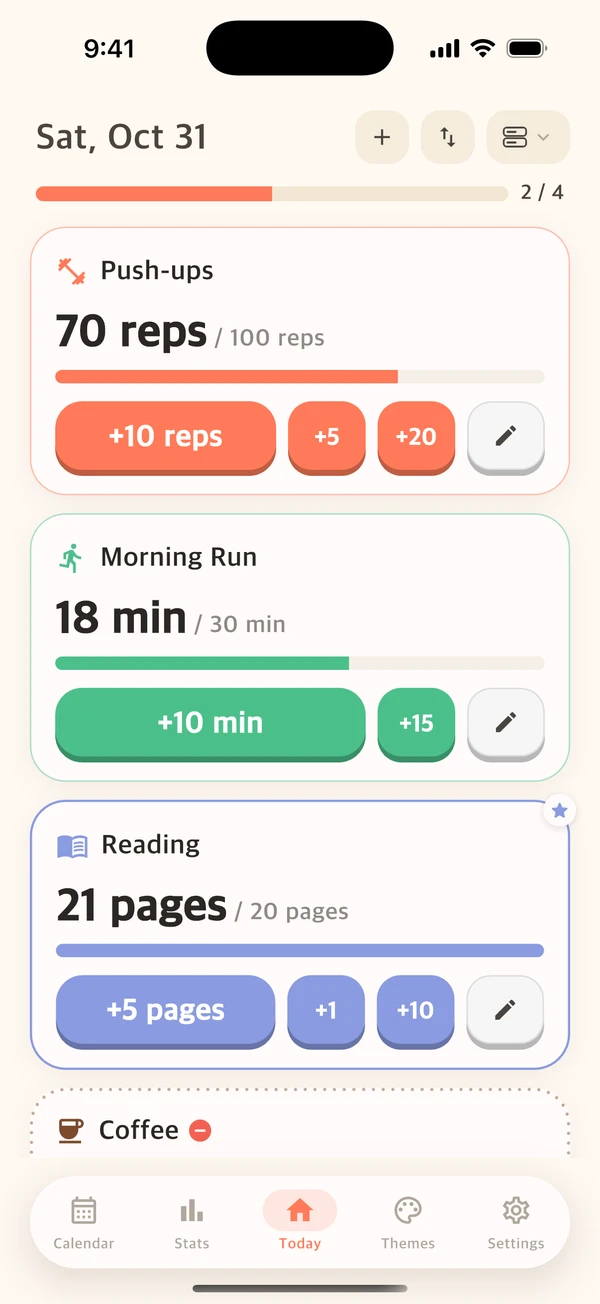
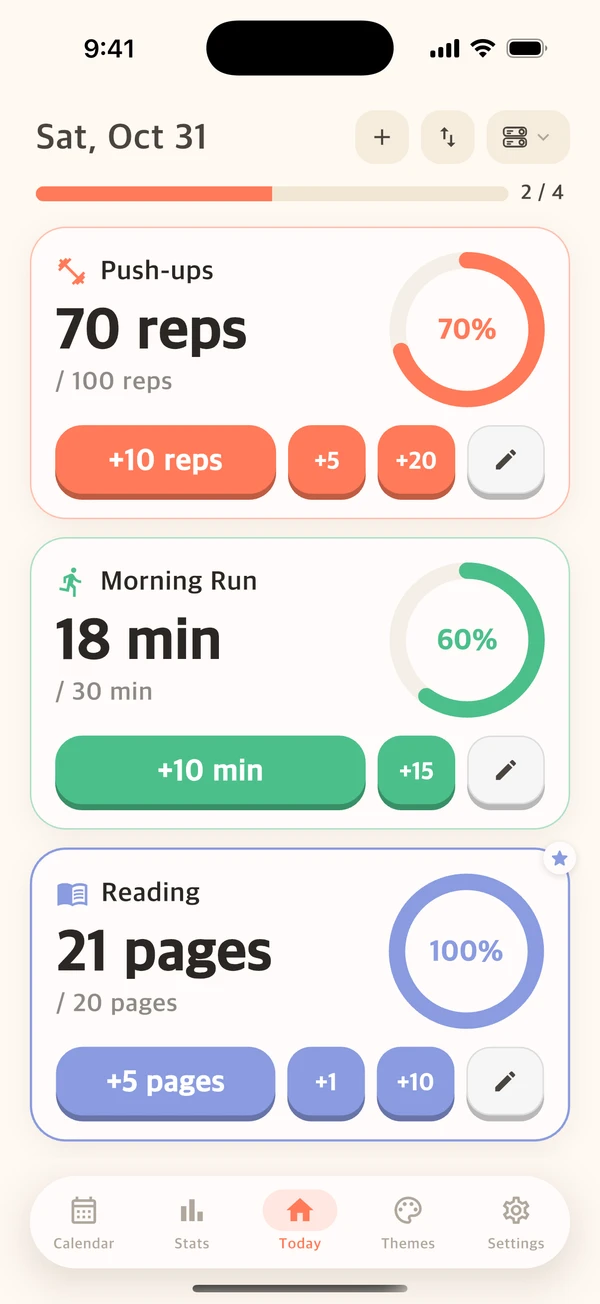
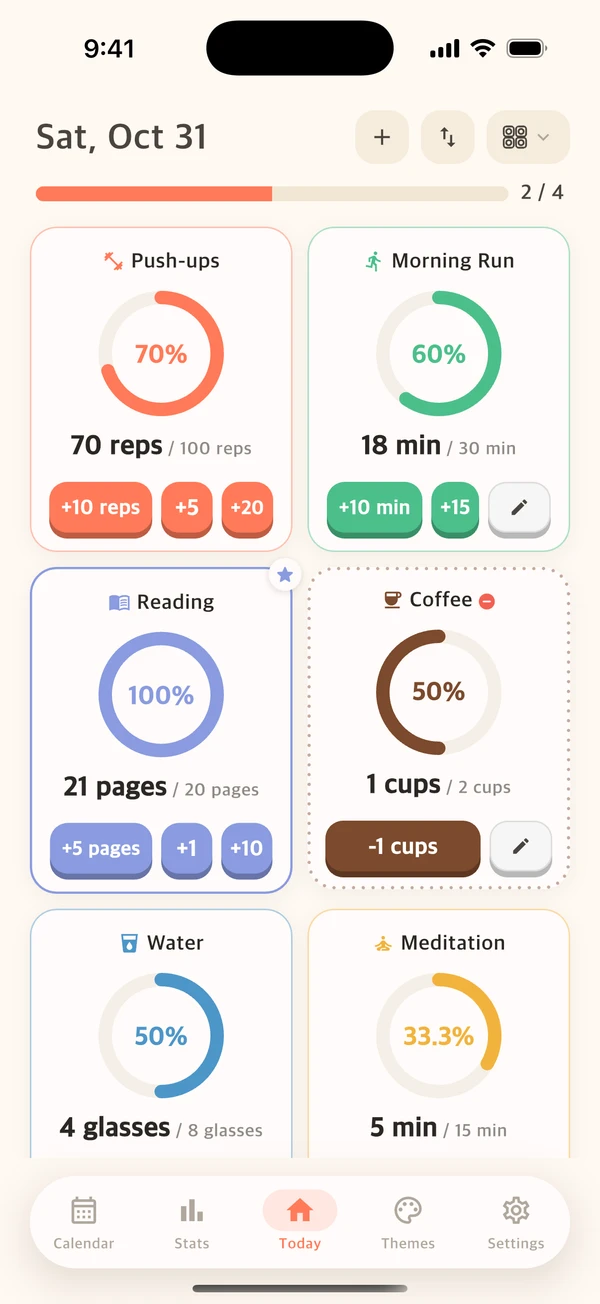
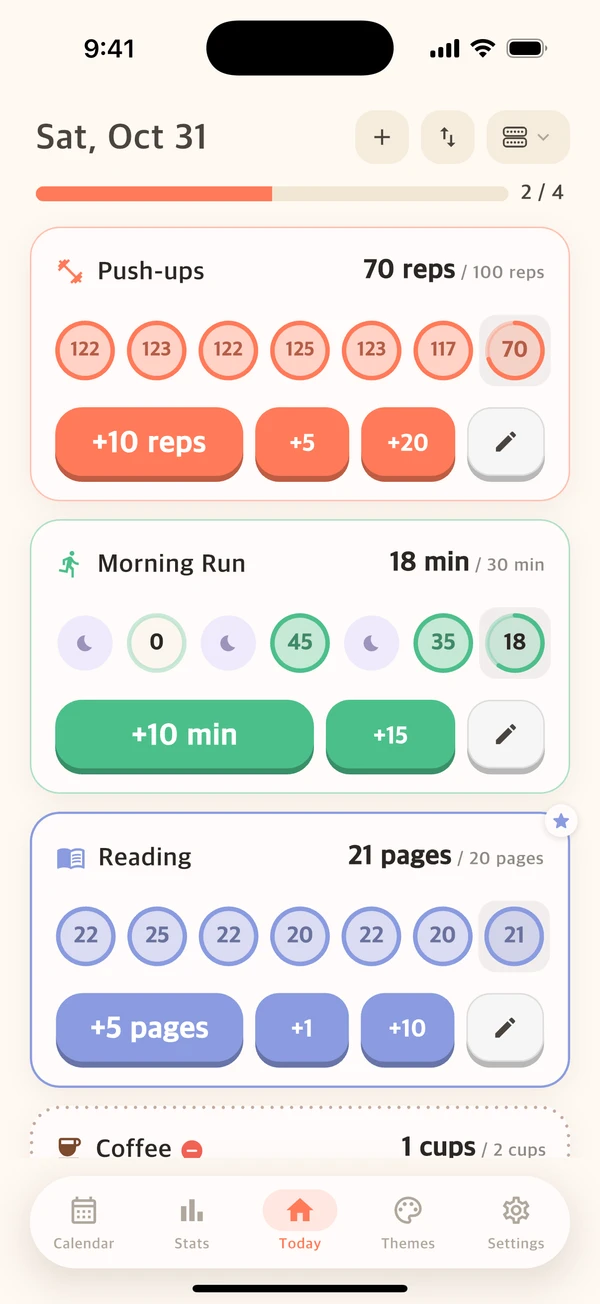
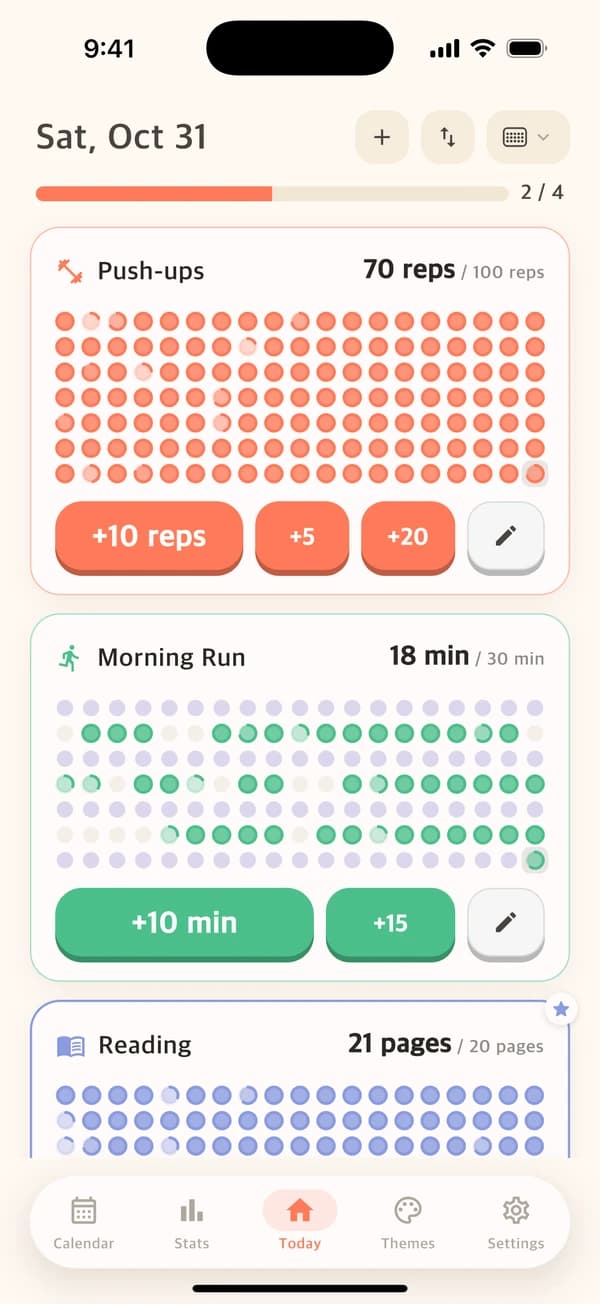
Find your favorite. Change it whenever you like.
ILLUSTRATED THEMES
Make it yours,
season by season.
Cherry blossoms in spring, a squirrel on a maple trail, fresh snow, pumpkins on a violet night. Eleven illustrated themes dress up Counto, from your goals to your calendar.
- Buy only the ones you like, yours to keep
- Or get every theme with Counto Pro
- Counto’s cream theme is always free
APP ICONS TO MATCH · IPHONE, WITH COUNTO PRO


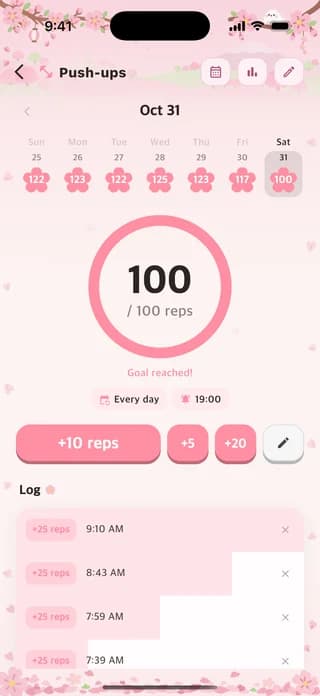
A little motivation, at a glance.
Rest days belong here.
Every day, selected days, or a few times a week. Build a rhythm that fits your life.
Your records are yours.
No sign-up to get started. Your counts are stored on your device. Export and import your records with Counto Pro.
Start small. Keep going.
Track up to four goals for free. Build more of what matters, or make room by doing a little less.
A FEW LITTLE ANSWERS
Before your
first count.
A simple start, with room to make it your own.
Ask a questionIs Counto a habit tracker or a tally counter app?
Both. Use Counto as a tally counter to add reps, pages, glasses, or your own unit throughout the day. Set a goal and a schedule to turn those counts into a habit you can follow over time. Quick buttons let you add amounts such as +5 or +10, and each entry stays in your activity log.
Is Counto free to use?
You can download Counto and track up to four goals for free, with no account required and no ads. Optional in-app purchases are available. Check the App Store or Google Play listing for current pricing.
Is Counto available on Android?
Yes. Get Counto on the App Store for iPhone or on Google Play for Android. Counting, goals, calendars, stats, and illustrated themes work on both, and Counto Pro adds Home Screen widgets on either platform. Lock Screen widgets, the Apple Watch app, and app icons that match your theme are iPhone only. Counto is available in English, Korean, Japanese, and Simplified and Traditional Chinese.
Can I track habits from a Home Screen widget?
Yes, with Counto Pro, on iPhone and Android. Home Screen widgets have quick count buttons, so you can log progress without opening the app. Choose from ring, heatmap, and other widget layouts. On iPhone, Pro also includes Lock Screen widgets and an Apple Watch app for counting from your wrist.
Can I change how Counto looks?
Yes. Pick one of seven home layouts, including Weekly, then dress it up with one of eleven illustrated themes, from Sakura and Maple to Christmas and Halloween. Buy only the themes you like and keep them, or get every theme with Counto Pro. Counto’s cream theme is always free. On iPhone, Pro also lets you choose an app icon to match your theme.
What can I count with Counto?
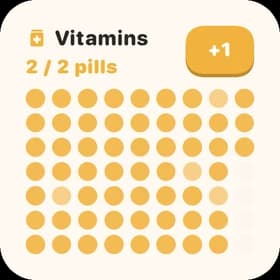
Count workout reps after each set, pages after a reading session, or glasses as you drink water. You can also log supplements or minutes of practice. Choose your own target, unit, and quick button amounts. These are manual entries: Counto does not automatically detect exercise or reading.
Can I schedule rest days and track weekly goals?
Yes. Choose every day, specific days of the week, or a weekly frequency. Scheduled rest days do not break your streak. The calendar shows daily achievements and completed weekly targets, with views for all your goals or one individual goal. Tap any day to see everything you logged on a timeline.
How can I see my habit tracking progress?
Open All Stats for your goal-by-day heatmap, goals met, completed weeks, and logging activity. Individual stats show days met, streaks, counts, and averages. Insights compare periods and reveal weekday and logging-time patterns. The one-week view is free, including its insights. Counto Pro opens one-month, three-month, and all-time views, and includes data export and import.
Can I track habits I want to cut back on?
Yes. Choose Quit a habit and set a Daily limit, such as two cups of coffee. The goal shows how much you have left; a quick button such as −1 records a cup and reduces the remaining amount. Counto warns when you go over the limit, and the calendar and stats recognize days you stay within it.

EVERY LITTLE BIT COUNTS
Make room for
your little wins.
Pick one thing. Start counting today.
iPhone & Android · Free to start